Overview
Everything about your Toru, at a glance.
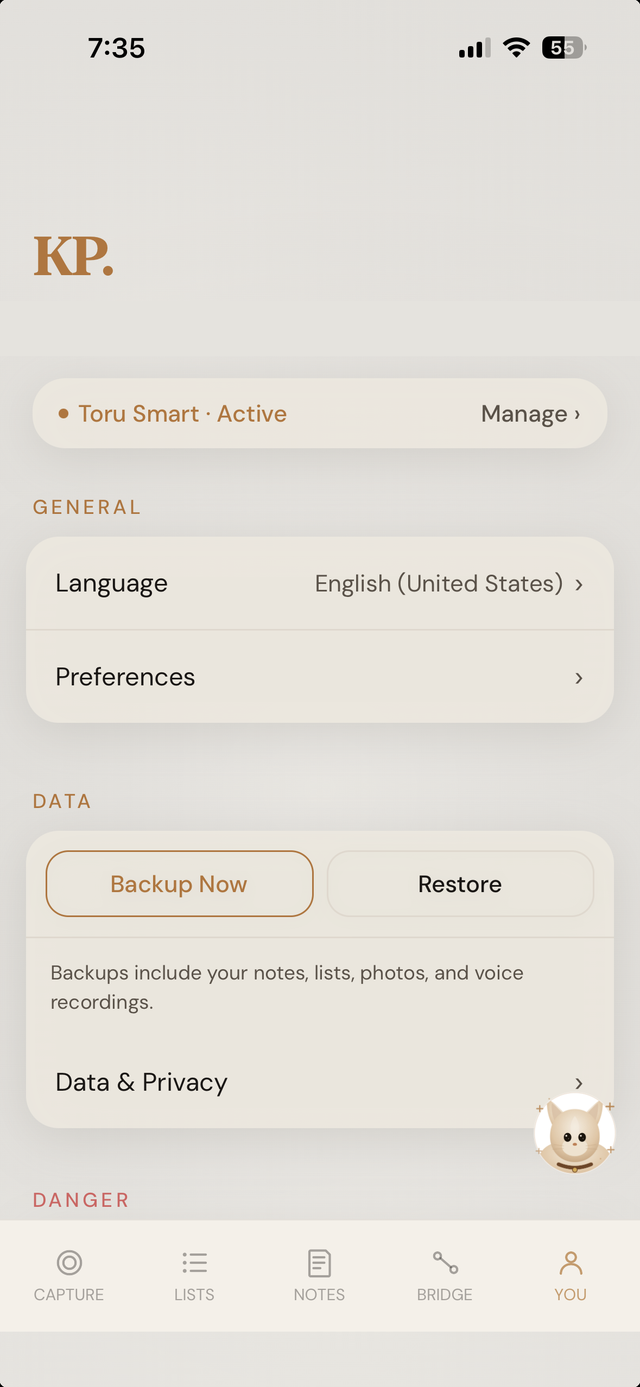
Your subscription status, general settings, and data controls all live on one screen — no separate menus to remember.
- Subscription status and management, right at the top.
- Backup Now and Restore, with a plain description of what's included: notes, lists, photos, and voice recordings.
- Data & Privacy and account controls, further down the same screen.
Language
Speak one. Read another.
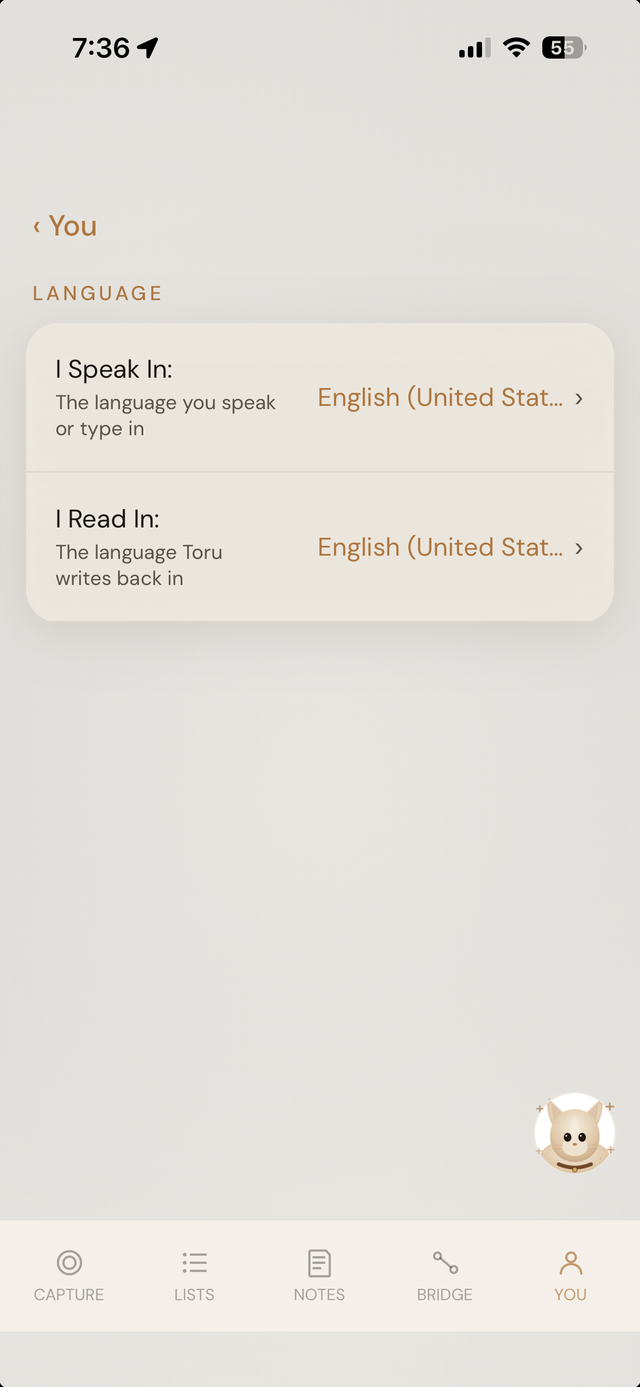
Two separate settings, not one: the language you speak or type in, and the language Toru writes back in. They don't have to match.
- "I Speak In" — the language you capture in.
- "I Read In" — the language Toru's responses come back in.
Preferences
Small controls. Real effect.
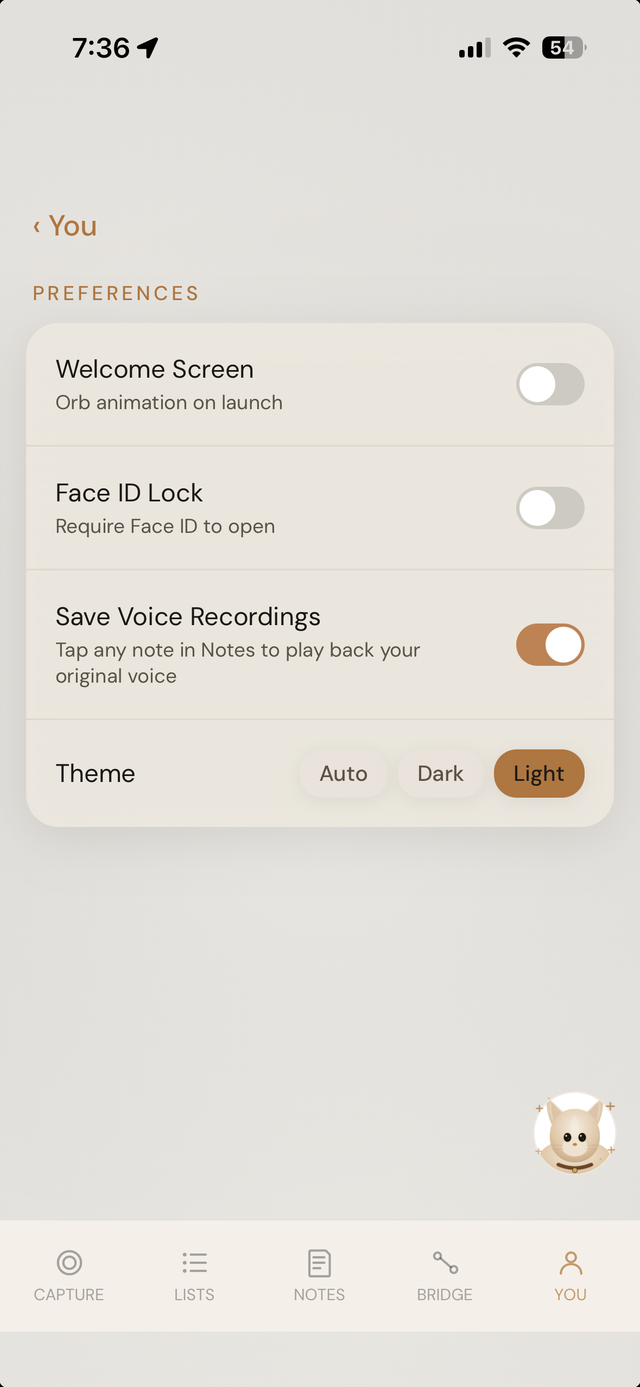
A short list of toggles that actually matter: whether the welcome animation plays on launch, whether Face ID is required to open the app, and whether your original voice recordings are saved alongside the structured note.
- Welcome Screen — orb animation on launch, on or off.
- Face ID Lock — require Face ID to open the app.
- Save Voice Recordings — keep the original audio alongside every note.
- Theme — Auto, Dark, or Light.
Sula
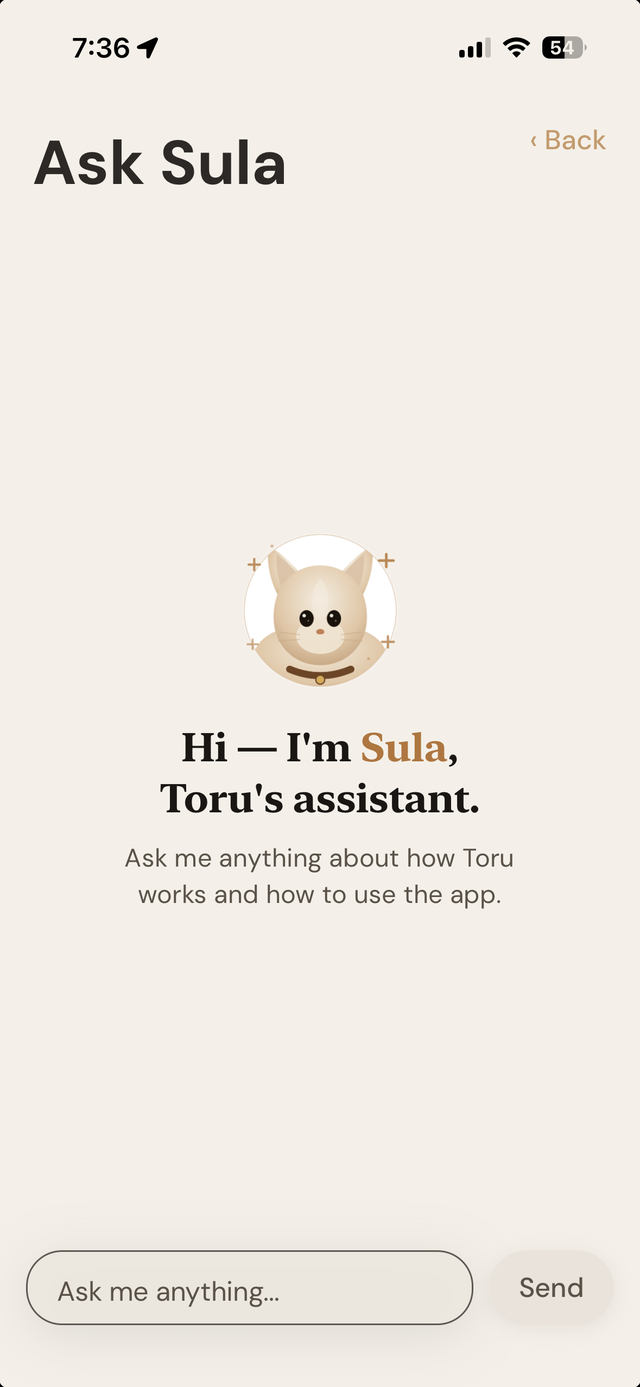
Toru's assistant, if you need it.
Sula answers questions about how Toru works and how to use the app — right from a chat, no digging through a help center.