How it's different
One tap. No clock running out.
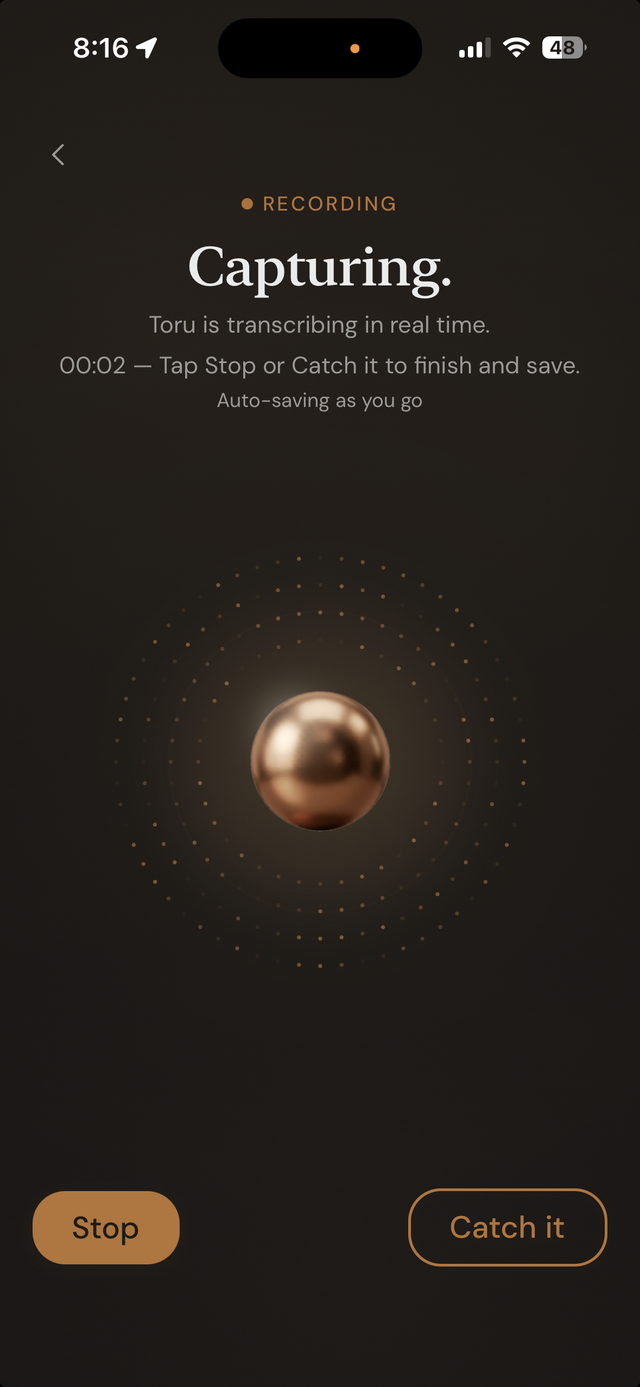
Tap Meeting from the capture screen and Toru starts listening — for as long as the meeting actually runs. It transcribes in real time and saves as it goes, so an interruption mid-meeting doesn't cost you what was already captured.
- No session time limit — a full-length meeting is one continuous capture, not several stitched together.
- Transcribed entirely on-device, same as regular voice capture — nothing about the audio leaves your phone for that step.
- Auto-saves as you go, so progress isn't lost if you stop early or get interrupted.
- When you're done, it structures into a real note the same way any other capture does.